Estimated reading time: 10 minutes
Church prayer request management is the path a request takes from the moment someone asks to the moment the church hears what God did with it. Most churches build the first step, a form, and improvise everything after it.
The gap shows up in ordinary ways. A request sits in one staff inbox for eight days. A member's brother gets his diagnosis published on the prayer wall, and nobody asked him. No one can say whether the 2023 requests were ever deleted, or where the copies went.
This guide covers the whole path: what to collect, who reviews it, how to handle requests about other people, what consent you need before publishing, and when to delete.
What church prayer request management includes
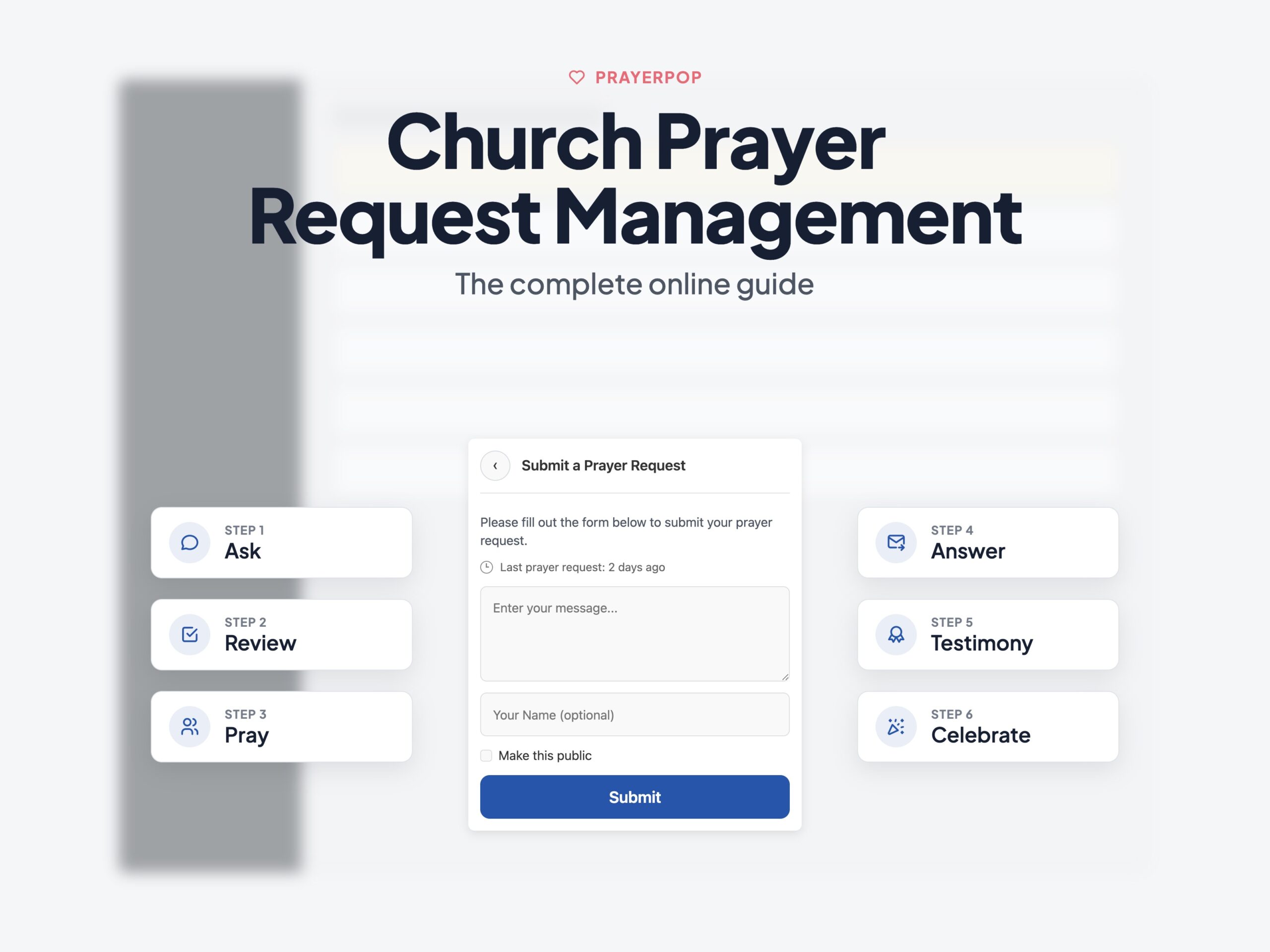
There are six stages. Most churches run the first one and part of the second.
| Stage | Question it answers | Who acts |
|---|---|---|
| Ask | How does a person send a request? | The person |
| Review | Who reads it and decides what happens? | A named reviewer |
| Pray | Who prays, and how do they know? | Pastor, team or congregation |
| Answer | What happened? | The reviewer |
| Tell | Who hears about it? | The person first, then the church |
| Delete | When does the record go? | The system, on a schedule |
James 5:13 to 18 treats prayer as something believers do for each other, not something one office handles. The stages below are the plumbing that lets that happen at the size of a congregation.
Stage 1: collect less than you think you need
Every required field costs you requests. The person carrying the heaviest thing is the most likely to stop halfway.
| Field | Collect it? | Why |
|---|---|---|
| The request itself | Required | The only field the team actually needs |
| First name | Optional | Lets the team pray by name |
| Optional | The only way to send an answer or a follow up | |
| Visibility choice | Required | Decides whether this may ever be published |
| Phone, address, surname, age | No | Adds risk, adds nothing to the prayer |
Anonymous requests are not a loophole. For some people they are the only reason the request gets sent at all. So keep the option, and accept the trade: you cannot follow up on an anonymous request. Say that on the form.
Form text you can copy
Put these four lines on the form itself, not in a policy page nobody opens.
- Emergency: "This form is not watched around the clock. If you or someone else is in danger right now, call your local emergency number."
- Third party: "If you are asking for prayer for someone else, leave out details they have not chosen to share."
- Visibility: three options, one of them selected by default. "Pastor only" / "Prayer team" / "Public prayer wall".
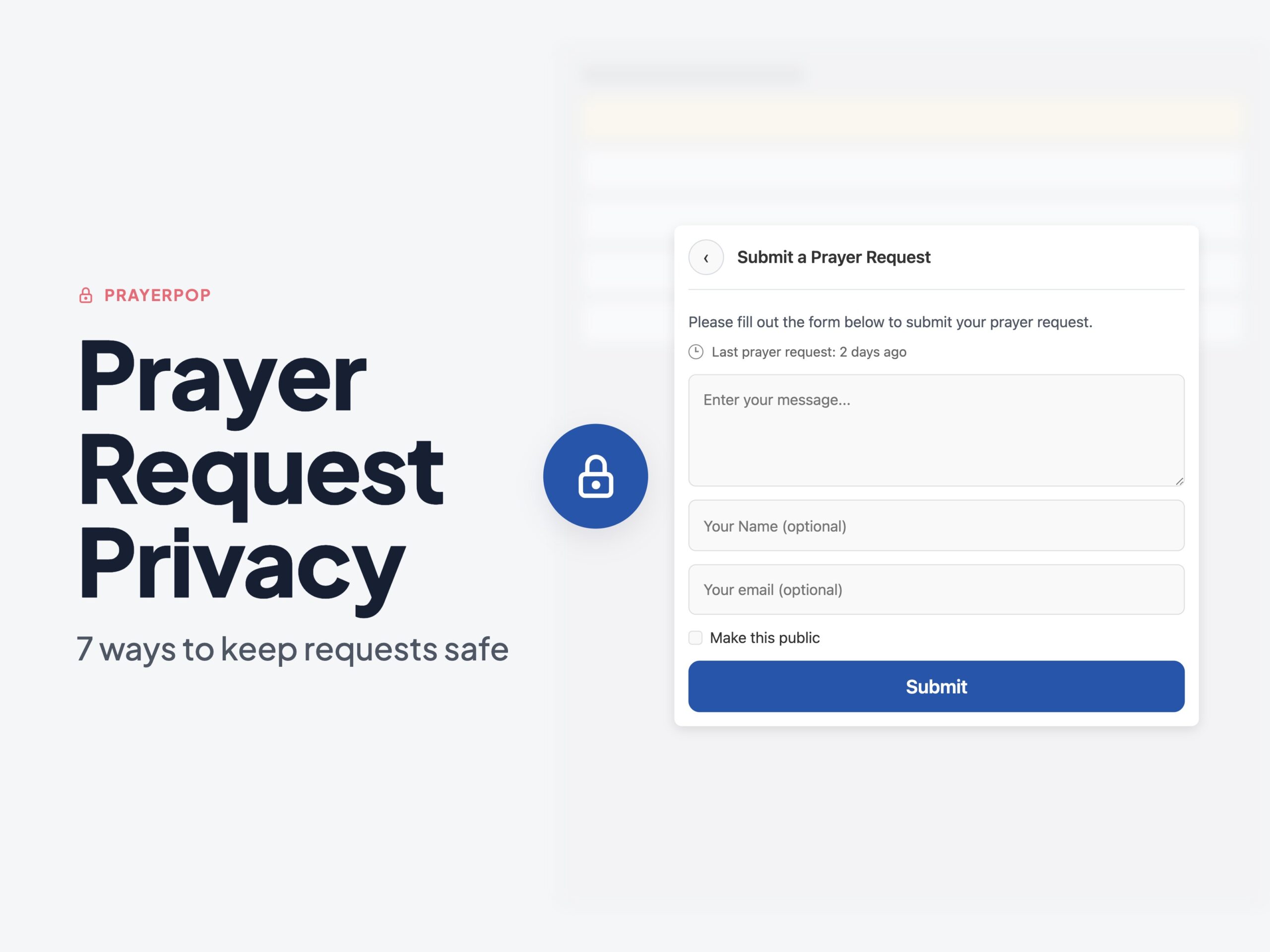
- Consent to publish: an unticked box. "I agree that this request may appear on the church prayer wall."
An unticked box matters. Consent that was pre-ticked is not consent.
Stage 2: handle requests about someone else
Roughly this request arrives every month:
Please pray for John Tamm. He starts chemotherapy at the regional hospital on Tuesday and his wife Mari is not coping.
John did not send it. He may not know it exists. Here is the same request with the identifying details stripped out:
Please pray for a man in our church who starts cancer treatment this week, and for his wife.
Four things went: the name, the hospital, the diagnosis, the date. In a church of 200 people, any two of those name him.
The rule for reviewers is short. If the request names a person who did not send it, remove the details that identify them, unless the sender confirms that person agreed. Health information about a named third party is the fastest way for a prayer wall to become a legal problem.
Read more in prayer request privacy, which covers the same question for private requests.
Stage 3: the review step in church prayer request management
A request should never go from the form straight to a public page. Give reviewers a set of named states and a rule for each one, decided before the first request arrives.
| Status | Who can see it | What happens next |
|---|---|---|
| New | Reviewers only | Waits for a decision |
| Private | One named pastor | Pastoral contact, never published |
| Team | Prayer team accounts | Prayed for inside the church |
| Published | Anyone on the internet | Visible on the wall, and indexable by search engines |
| Answered | Same as before | Follow up, then testimony if the person agrees |
| Declined | Reviewers only | Deleted after a short fixed period |
Note the fourth row. "Public prayer wall" means Google, unless the plugin marks those pages noindex, which is an instruction telling search engines not to list the page. Check this before you publish anything. A prayer about a marriage should not be a search result for someone's name.
Reviewers should not be administrators
In WordPress, what an account can do comes from its capabilities, which are named permissions such as edit_posts or manage_options. A role is a bundle of capabilities. Administrator is the bundle that contains everything: installing plugins, creating accounts, reading the whole database.
A prayer reviewer needs one thing, which is the right to read and change prayer records. So the tool should ship its own role, and the church should stop handing out Administrator to volunteers. PrayerPop registers a dedicated prayer team role for this, which means a volunteer logs in and sees the prayer screens and nothing else.
More on this in how to let your prayer team work safely.
Notification emails make a second copy
This one gets missed. If the "new request" email contains the full request text, every reviewer's mailbox now holds a copy of sensitive information, on a phone, outside anything the church controls, forwarded at will, kept forever.
The fix is small. Send a notification that says a new request is waiting, with a link to it. The text stays in one place, behind a login.
Stage 4: serious requests need a named person and a 24 hour rule
Some requests are the first place someone says they are in danger: self harm, abuse, domestic violence, a threat to a child. Decide the following before it happens, not during.
- One named person. Publish who receives serious requests. Not "a pastor", a name and a contact route.
- A time limit. Church safeguarding policies commonly require a concern to reach that person within 24 hours. Copy that rule.
- No interrogation. The reviewer passes the request on. They do not question the sender through the form to gather more detail.
- No promises. A prayer form is not a confidential crisis service, so do not tell people it is. Never promise to keep a disclosure secret.
- Anonymous plus serious. If the sender is anonymous, the church cannot reach them. The form should say so.
The Thirtyone:eight guide for safeguarding leads covers the role itself. Your denomination probably has a written policy already, and the prayer form should point at it rather than invent a parallel process.
Stage 5: publish only with explicit consent
This is the part most prayer pages get wrong, and it has a clear legal shape in the EU and EEA.
A prayer request usually contains two of the eight special categories under Article 9 of the GDPR: health, and religious belief. Processing those is prohibited by default. An exception has to apply, and you also need a normal lawful basis under Article 6. Both, not one.
Churches have a useful exception. Article 9(2)(d) lets a not for profit body with a religious aim process this data about its members and about people in regular contact with it. It has one condition attached that decides everything on this page: the data must not go outside the body without the consent of the person it is about.
So the split is clean:
- Inside the church, a prayer team reading and praying over a member's request is covered by that exception, with safeguards and data minimisation still applying.
- On a public wall, the request has left the body. That needs explicit consent from the person the request is about. Not the sender, if they are different people.
Explicit consent means a clear affirmative statement for a stated purpose. A tick box worded "publish this on the prayer wall" is explicit. A privacy policy paragraph is not. The ICO's guidance on the conditions for processing special category data sets out the same test, and the full text of Article 9 is short enough to read in five minutes.
Stage 6: close the loop, then delete
Two habits close the loop. First, mark the request answered and add a sentence about what happened. Second, tell the person who asked, before you tell the church.
Follow up needs an end. PrayerPop stops automatic follow up 60 days after approval by default. Pick your own number if you like. What matters is that the number exists and the system enforces it, rather than a volunteer remembering.
An answered prayer is the natural moment to ask for a testimony. That is a second consent, separate from the first, because the person is now agreeing to a different thing. Covered in request to answered prayer testimony and how to create a prayer wall.
Set retention periods and actually run them
Write down a number for each state, then make the tool delete on that schedule.
| Record | Suggested retention |
|---|---|
| Declined requests | 30 days |
| Private requests | 12 months after the request |
| Published requests | Reviewed yearly, removed on request |
| Testimonies | While the consent stands |
Deleting also means the copies. A single request can live in the database record, its revisions, the trash, notification emails, a CSV export on a laptop, and last month's backup. Backups are acceptable, as long as the backup retention period is written down and finite.
Where church prayer request management should live
Two technical questions decide this.
Who is the controller? Keeping the records in your own WordPress database means the church decides who reaches them and when they go. Self hosting does not mean no outside service touches the data. Your host, mail provider, backup tool and other plugins all do. The difference is that the church can review that list and change any item on it.
Can you leave? Your archive of requests and answered prayers is part of the church's story, so it should not end when a subscription does. Ask for an export in CSV or JSON, which are plain text formats any other system can read. PrayerPop stores each prayer as its own WordPress record, in the same way a page or a post is stored, so the standard WordPress export includes it.
Background in prayers as WordPress posts.
Campaigns are a different problem
A 24/7 prayer chain, 40 days of prayer or a mission trip rota is not request handling. It is slot allocation: time slots, signups, reminders, no shows and swaps. A spreadsheet holds up to roughly 20 people. After that the volunteer running it becomes the bottleneck. See how to organise a prayer campaign and running a 24/7 prayer chain.
A checklist for any church prayer request management tool
Test the tool against the stages, not the feature list.
- Requests can be sent from any page, and anonymously
- Reviewers get named statuses, not just an inbox
- Reviewers get a dedicated role instead of Administrator
- Notification emails link to the request rather than quoting it
- Published pages can be set to
noindex - Consent to publish is a separate, unticked box
- Serious requests route to one named person
- Answered requests can be marked, with follow up that expires
- Retention periods run automatically per status
- Full export in CSV or JSON, and the data stays if you leave
FAQ
Should a church publish prayer requests on a public page?
Only the ones where the person the request is about agreed to it, through a separate tick box. Everything else stays with the pastor or the prayer team. A public wall is useful, but it is publication, with the legal weight that carries.
Can a church publish a prayer request about someone else?
Not with identifying details, unless that person agreed. The sender cannot consent on their behalf. Strip the name, the diagnosis, the place and the date, then publish the request in general terms.
How long should a church keep prayer requests?
Long enough to pray, follow up and record an answer, and no longer. Thirty days for declined requests and twelve months for private ones is a reasonable starting point. The important part is writing the number down and letting the system enforce it.
Start this Sunday
You do not need the whole system in one week.
- Put a prayer option on every page.
- Name two reviewers and one safeguarding contact.
- Give them a dedicated role, not Administrator.
- Add the consent box and the emergency line to the form.
- Write one retention number and set it.
People already want prayer. Church prayer request management just gives that want a path that does not lose anything on the way.